Articles
The Articles page gathers security news published by a selection of specialist sites. It complements CVE monitoring: an attack campaign, an emergency patch or a vulnerability write-up often shows up here before it has a CVE.
- Who it is for: any user allowed to view articles (every role, by default).
- Where: menu Analysis › Articles. The dashboard no longer repeats them: its CERT-FR advisories on the stack widget shows the CERT-FR publications that cover your stack (see Dashboard).
- Scope: the feed is the same for everyone; it does not depend on the active project.
Where the articles come from
Section titled “Where the articles come from”TechWatchAlert reads the RSS feeds of six sources every hour:
- The Hacker News,
- Bleeping Computer,
- CERT-FR,
- Krebs on Security,
- Dark Reading,
- SecurityWeek.
Each new article is added with its title, summary, source, author, date and image when the feed provides one; an article already known (same address) is not added twice. Articles are listed newest first.
The page
Section titled “The page”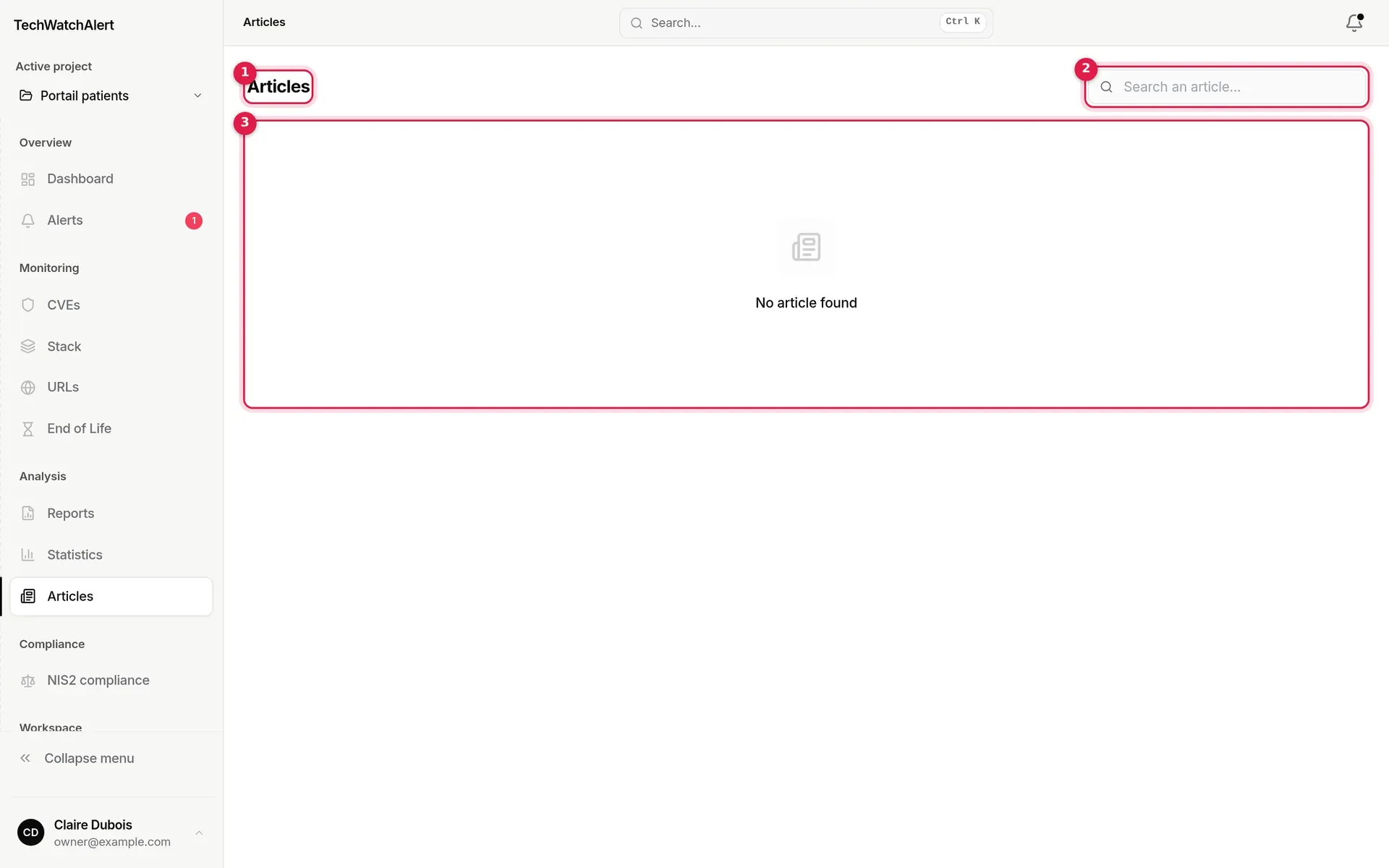
- Title, followed by the number of articles (“n articles”) and, when you have chosen sources, the sources kept.
- Search an article…: looks in the title, summary, author and source.
- The list of articles. No articles have been imported into the demo database, so the page shows “No article found”.
When articles exist, the most recent is shown large at the top of the page (on a computer, with no search and no source selection), then the others in a grid of cards: source, relative date, author, estimated reading time (200 words a minute, one minute minimum), title and summary. More load by themselves as you reach the bottom of the page. A click opens the article on its source’s website, in a new tab.
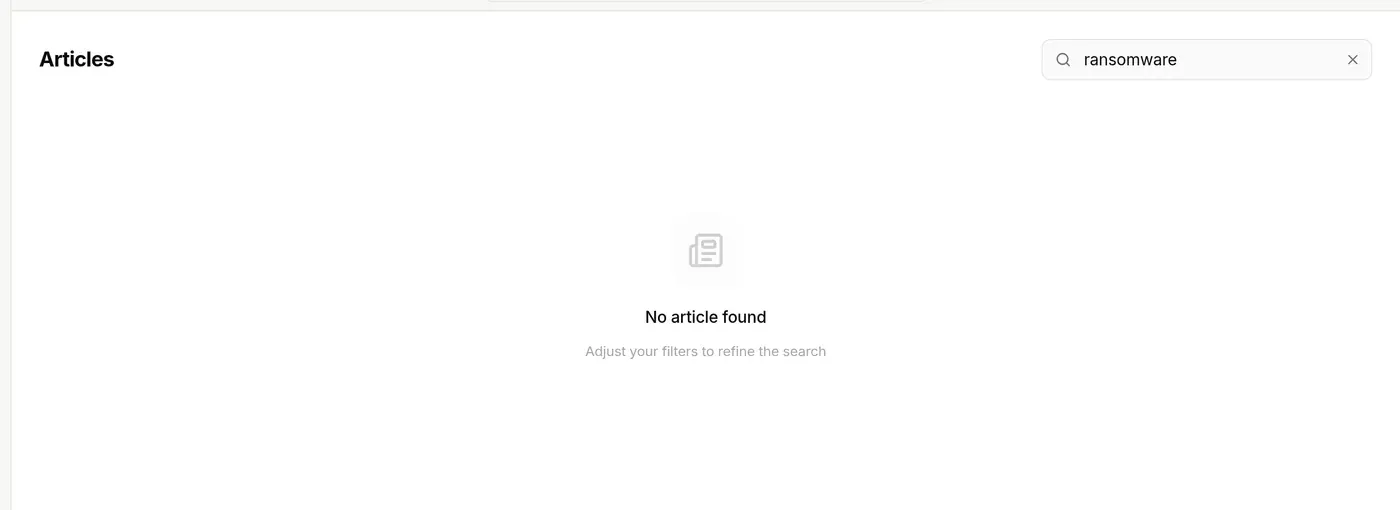
A search or source selection with no result shows “No article found” and “Adjust your filters to refine the search”. The cross in the field clears the search.
Choosing sources and being notified
Section titled “Choosing sources and being notified”The Preferences button, next to the search field, appears as soon as articles exist (it lists the sources present in the feed, so it is not visible in the demo).
- Click Preferences. The Manage your sources window lists the sources.
- Tick the sources to display. With no source ticked, all of them are shown.
- Click a source’s bell to be notified of its new articles (“Enable notifications”); the source is ticked too if it was not already.
- Click Save. Clear all unticks everything before saving.
- Your preferences are personal and saved on your account: they follow you from one computer to another, and the page opens already filtered on your sources.
- The number of sources kept is shown on the button; up to two sources also appear as pills next to the title, and their cross removes them straight away.
- Notification: each import that brings new articles from a source whose bell you turned on sends you a notification in the application’s bell: “New article — source”. There is no email for articles.
Permissions and plan
Section titled “Permissions and plan”Articles are included in every plan. The page needs the “View articles” permission, granted to every project role by default.